Windows · Microsoft Store
Pick the folder with your backups, index once, and find any message, sender or attachment on your PC. Nothing leaves the device.
Free on the Microsoft Store. Pro: 29.90 EUR, one-time. Windows 10/11 · x64 and ARM64.
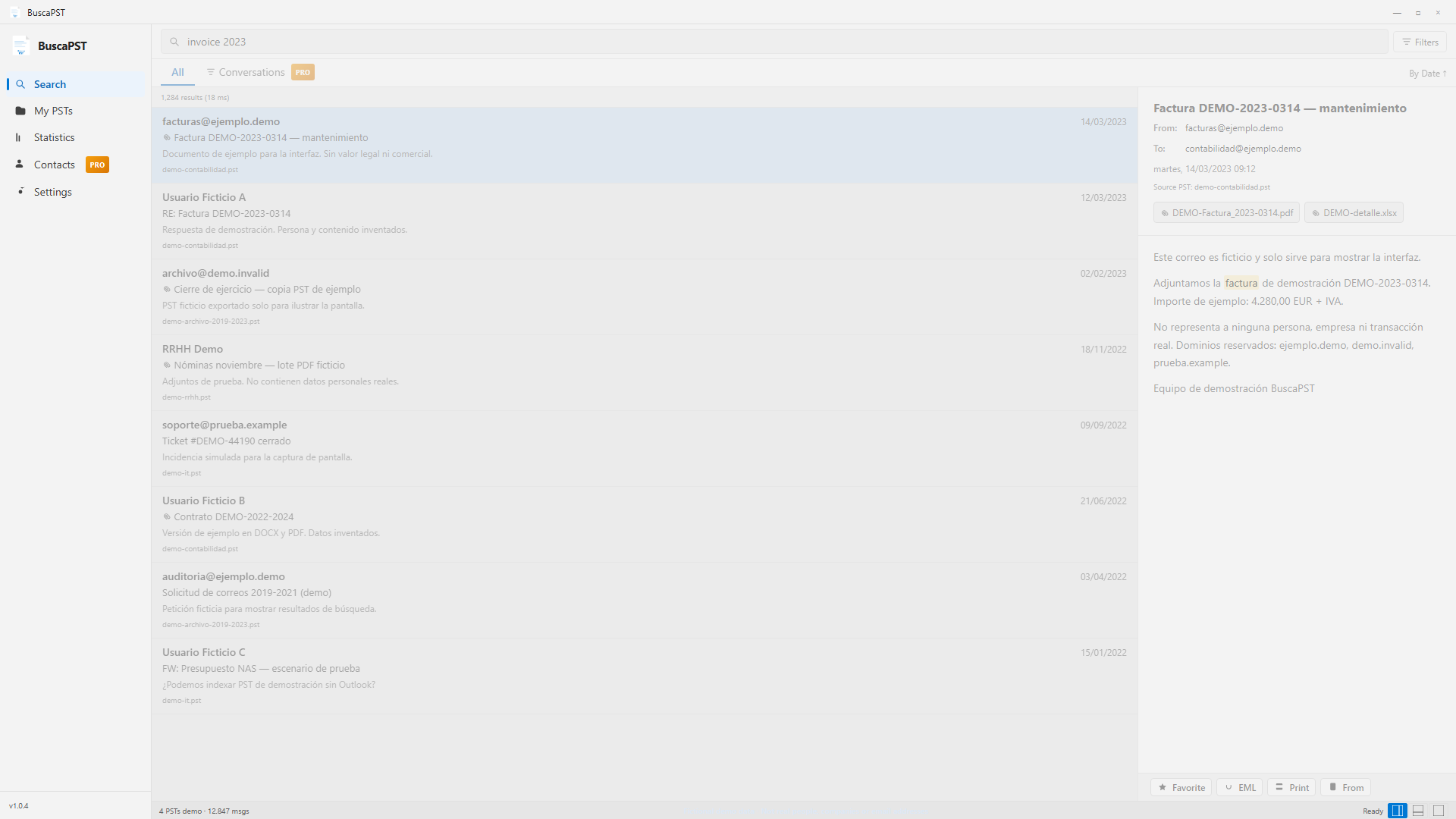
If you have a .pst on a disk, NAS or backup and Outlook is not installed — or you do not want to mount it — BuscaPST opens the file and searches inside.
Reads Outlook 2003–2024 PST files (ANSI and Unicode) from disk. No Office license required.
Then search, preview and view stats even if you disconnect the NAS. The original PST is only needed to download an attachment.
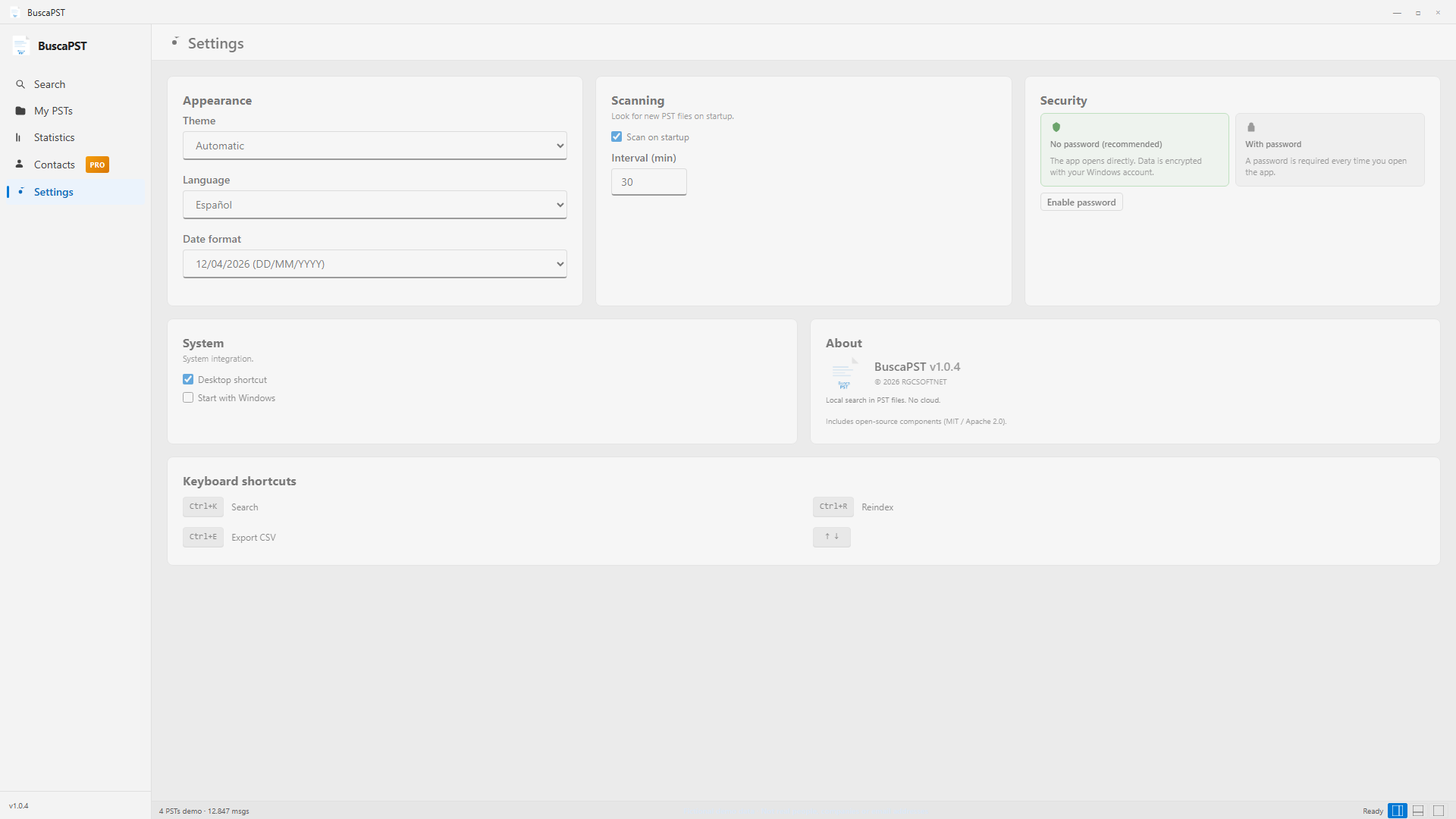
No cloud, no telemetry. The index is encrypted with Windows DPAPI. Optional password if you share the PC.
More than a PST viewer: advanced search, folder management, statistics and tools for IT, audit and everyday work.
Subject, body and attachment content (PDF, Word, Excel and more). Results in milliseconds.
from: to: date: has:attachments plus a filter panel for sender, dates and PST file.
Result list + reading pane. Three layouts: right, bottom or list only. Recent search history.
Emails by month and weekday, top senders and volume per indexed PST.
Add local, USB or NAS folders. Enable or disable individual PSTs, reindex and rescan when files change.
Drop .pst files on the window — they are added and indexed automatically.
After indexing you can search and read even if the network drive is offline. The original PST is only needed to download attachments.
ANSI and Unicode PST files. No Outlook install or Office license required.
Export results to CSV, single messages to EML and save attachments to disk.
Group email threads to follow a topic end to end, not just isolated messages.
Extract and export contacts indexed from your PST files.
Star important messages, print with formatting and copy senders to the clipboard.
Indexed metadata is protected with your Windows account. No servers, no telemetry.
Extra layer if you share the PC. Data is already encrypted even if you skip it.
Spanish, English and Portuguese. Light, dark or auto theme. Shortcuts: Ctrl+K search, Ctrl+E export, arrows to navigate.
Scan on startup, configurable interval, desktop shortcut and start with Windows.
Interactive demo with the real app UI. Search types itself; all data is fictional.
 BuscaPST — live demo
— □ ×
BuscaPST — live demo
— □ ×
Frame blank? Open the demo in a new tab.
Screens rendered from the actual app chrome — not mockups.
Fictional data: names, companies and email addresses in the screenshots are for demonstration only. They do not represent real people or live mailboxes (reserved domains: ejemplo.demo, demo.invalid, prueba.example).
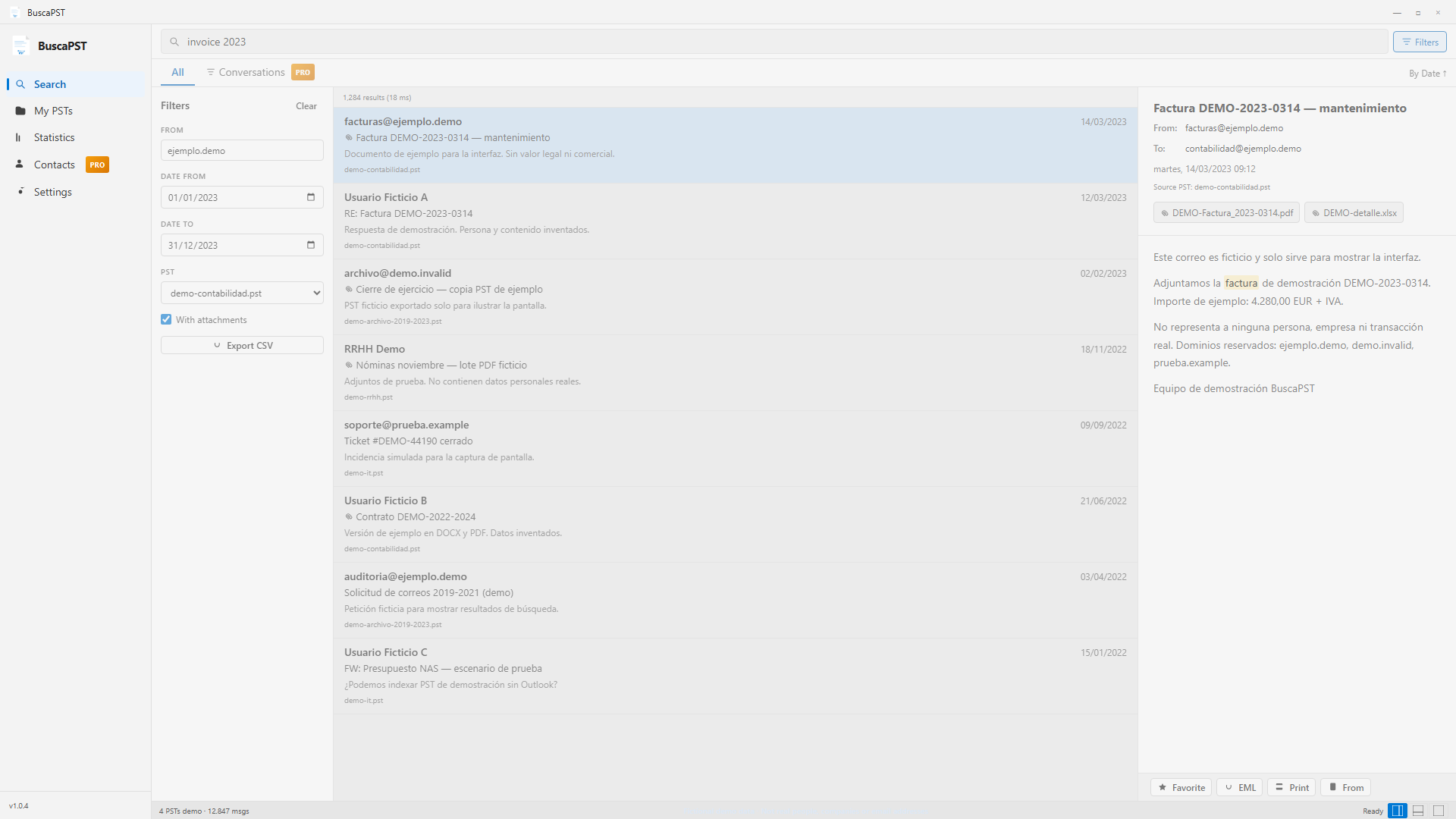
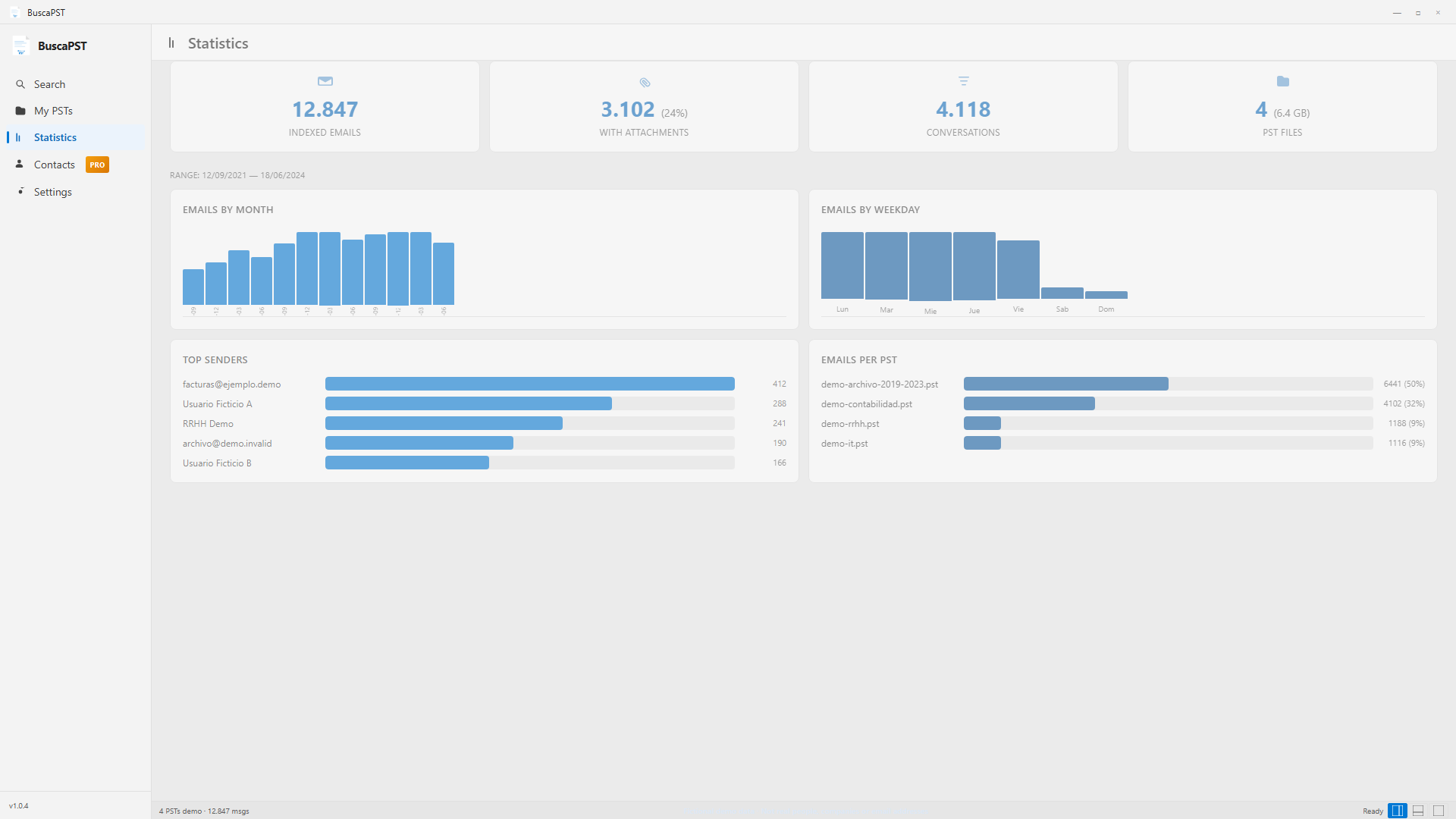
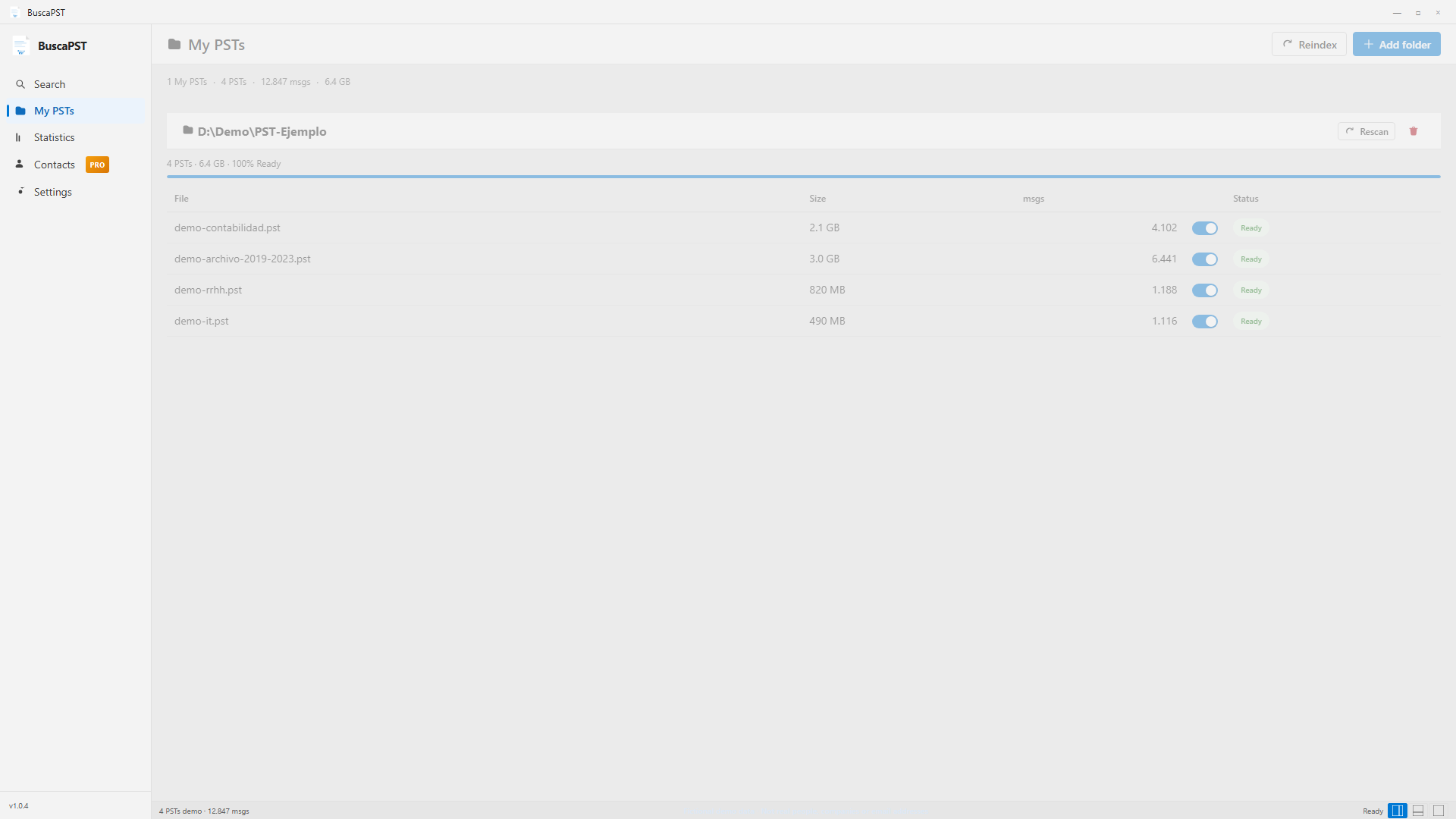
The free build covers open, search and read. Pro unlocks export, attachments and extra folders.
| Free | Pro | |
|---|---|---|
| Search and preview | Yes | Yes |
| Attachment search (PDF, Office…) | Yes | Yes |
from: date: operators | Yes | Yes |
| Statistics and dark mode | Yes | Yes |
| Drag PST · search without NAS | Yes | Yes |
| PST folders | 1 | Unlimited |
| Results per search | 50 | Unlimited |
| Conversation view | — | Yes |
| Export CSV / EML | — | Yes |
| Download attachments | — | Yes |
| Contacts · favorites · print | — | Yes |
Bought as a Microsoft Store add-on, from inside the app.
What a PST file is, why Outlook is often missing, and how to search it locally.
Product 9P8DCWJCN1VM. Published by RGCSOFTNET.
No publisher servers in the path. See the privacy policy.